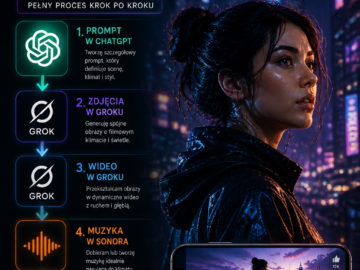
Na pierwszy rzut oka krótkie AI video może wyglądać prosto.
W rzeczywistości za każdym 52-sekundowym shortem stoi cały proces kreatywny.
W tym artykule pokażę krok po kroku, jak powstał ten AI-generated fashion video short — od pierwszego prompta aż do finalnego montażu.
🚀 Koncepcja
Pomysł był prosty:
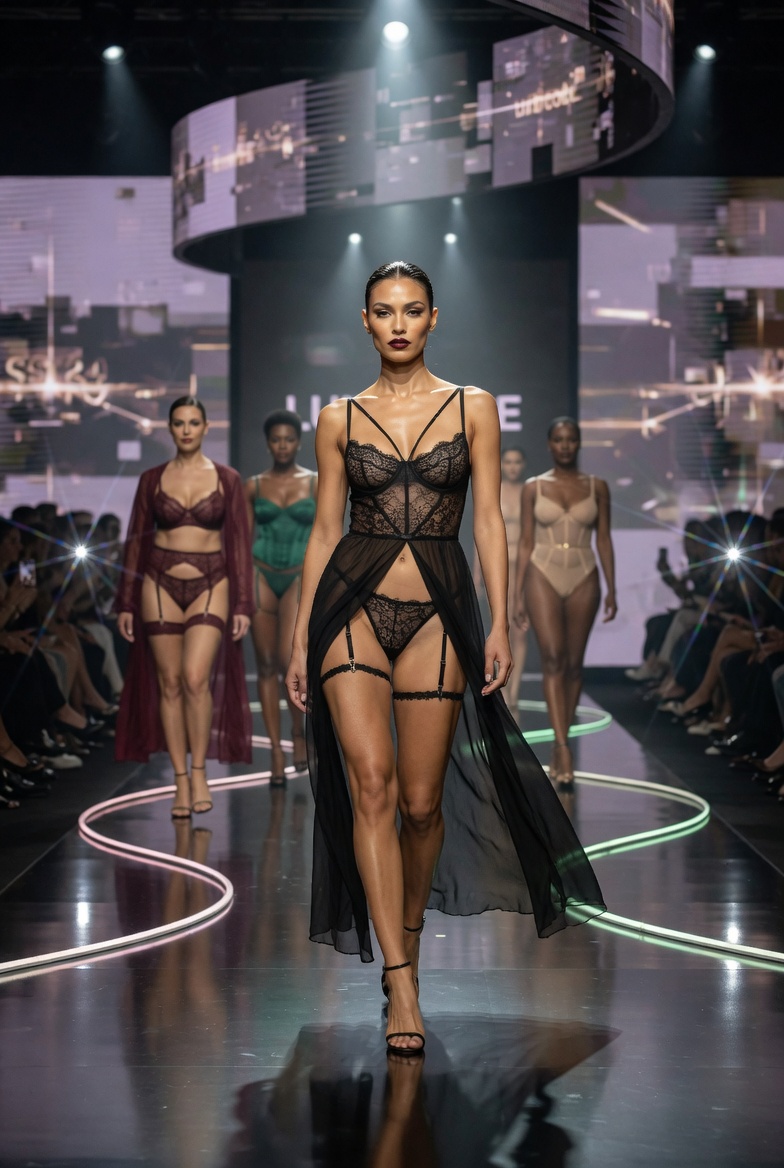
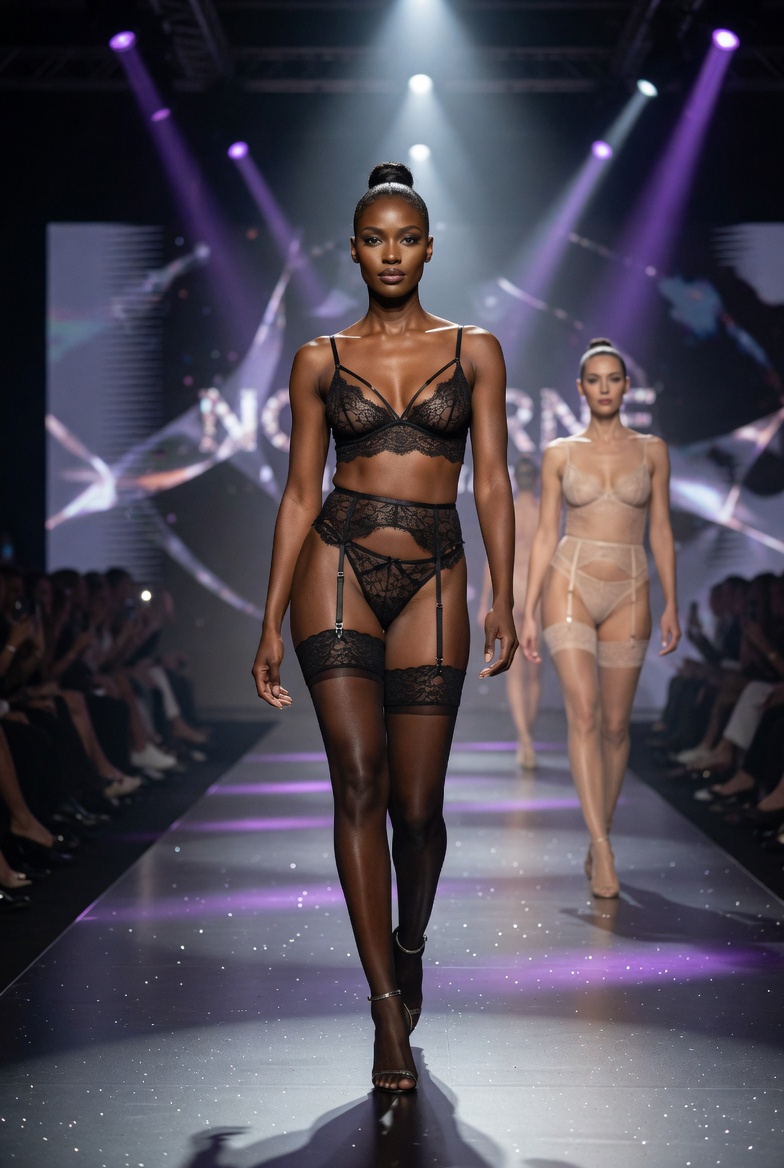
Stworzyć dynamiczny, cinematic short inspirowany pokazem mody, który będzie wyglądał jak fragment profesjonalnego runway show.
Finalne wideo składa się z:
- 9 osobnych klipów wideo
- każdy o długości ok. 52 sekund
- stylizowanych jako sceny z pokazu mody
- połączonych w jeden spójny materiał
🧠 Krok 1: Stworzenie prompta (ChatGPT)
Wszystko zaczęło się od prompta.
Za pomocą ChatGPT został wygenerowany szczegółowy opis sceny, który zawierał:
- klimat pokazu mody
- oświetlenie i atmosferę
- styl postaci i ich ruch
- kompozycję kadru
Celem było stworzenie wizualu, który będzie:
- dynamiczny
- spójny stylistycznie
- atrakcyjny wizualnie
To był fundament całego projektu.
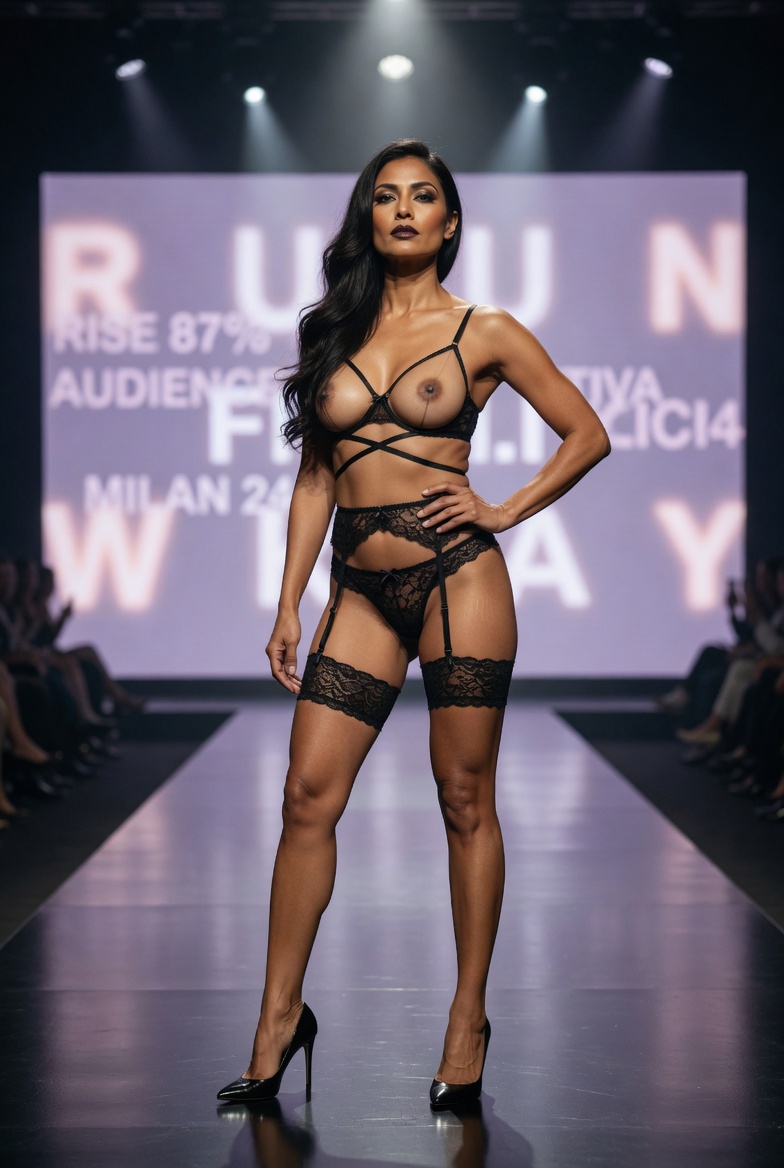
[SUBJECT & COMPOSITION]
A cinematic vertical fashion runway portrait of an adult woman posing
confidently at the end of a luxury lingerie catwalk. She is centered in
a 9:16 frame from thighs to head, standing with one hand on her hip and
a direct powerful gaze toward the camera. Behind her is a large glowing
LED screen with bold oversized blurred typography, creating a dramatic
fashion-event backdrop. The image should feel like a premium adult
fashion editorial still: glamorous, confident, polished, and cinematic.
[CHARACTER / OBJECT DETAILS]
The model is an adult woman with warm tan skin, long dark hair swept to
one side, sculpted cheekbones, refined makeup, defined eyes, and a serious
high-fashion expression. She wears an avant-garde black lace lingerie
runway look with delicate straps, lace bottoms, garter-style elements,
and high heels. Her breasts are uncovered in a tasteful high-fashion
runway presentation, with realistic anatomy, natural skin texture,
elegant shadow shaping, and non-vulgar editorial framing. Her posture is
upright, composed, and powerful, emphasizing confidence, luxury styling,
and professional runway presence.
[ENVIRONMENT & BACKGROUND]
The scene takes place inside a modern luxury fashion show venue with a
glossy runway floor, dark audience seating along the sides, overhead
spotlights, and a large bright LED presentation screen behind the model.
The screen should show oversized blurred promotional typography, similar
to a fashion-event milestone or audience-growth announcement, but the
text should remain soft and not perfectly readable. The runway background
should feel theatrical, expensive, and clean, keeping the model as the
dominant subject.
[LIGHTING & ATMOSPHERE]
Use dramatic runway lighting with a bright front spotlight, cool white
overhead beams, and soft violet glow from the LED screen. Add warm
highlights on the skin, rim light along the hair, shoulders, arms, legs,
and lingerie details, and subtle reflections on the glossy catwalk.
Include atmospheric haze, soft lens glow, and a cinematic shallow-depth
look. The mood should feel bold, glamorous, sensual in a tasteful
editorial way, and professionally staged.
[TECHNICAL STYLE & RENDERING]
Photorealistic high-fashion runway photography with premium editorial
quality, realistic skin rendering, natural anatomy, detailed lace fabric,
accurate garment fit, polished makeup detail, glossy runway reflections,
cinematic depth of field, subtle film grain, and luxury fashion campaign
color grading. The final image should look like a professional lingerie
runway campaign still or cinematic AI-fashion showcase, with crisp focus
on the model and soft separation from the LED screen behind her.
[CAMERA / FRAMING / LENS]
Vertical 9:16 medium-full runway framing, camera positioned low-to-eye
level at the end of the catwalk. Use a 50mm to 85mm fashion lens look
with mild compression and sharp focus on the model’s face, upper body,
lingerie details, and confident pose. The runway lines, spotlight cone,
and large LED screen should guide the viewer’s eye toward her face and
centered silhouette. Keep the frame balanced, mobile-friendly, and clean.
[COLOR PALETTE]
Deep black, glossy charcoal, cool white spotlight, soft violet screen
glow, warm tan skin tones, sheer black lace, muted champagne highlights,
smoky grey, subtle bronze, and pale lavender background tones. The palette
should feel luxurious, theatrical, modern, and cinematic, with controlled
saturation and strong contrast.
[KEYWORDS]
adult lingerie runway, luxury catwalk, black lace lingerie, tasteful
bare-breast fashion, naked breast runway styling, confident runway model,
large LED screen, blurred typography background, glossy runway floor,
high-fashion editorial, photorealistic fashion photography, cinematic
runway lighting, vertical 9:16, premium lingerie campaign, direct gaze,
hand on hip pose, fashion event, polished stage lighting, modern runway
show, luxury editorial still
[NEGATIVE PROMPT]
underage subject, explicit pornographic content, sexual act, vulgar pose,
graphic genital focus, spread pose, fetish styling, cheap glamour, low
resolution, blurry image, plastic skin, overly smooth skin, distorted
anatomy, deformed hands, extra fingers, missing fingers, malformed arms,
warped legs, distorted face, asymmetrical eyes, duplicate faces, cloned
models, awkward pose, poor garment fit, broken lace texture, messy
composition, cluttered stage, perfectly readable fake text, misspelled
words, watermark, logo, play button overlay, social media UI, app icons,
random typography, harsh flash, flat lighting, oversaturated colors,
cartoon style, anime style
🖼️ Krok 2: Generowanie obrazów (Grok)
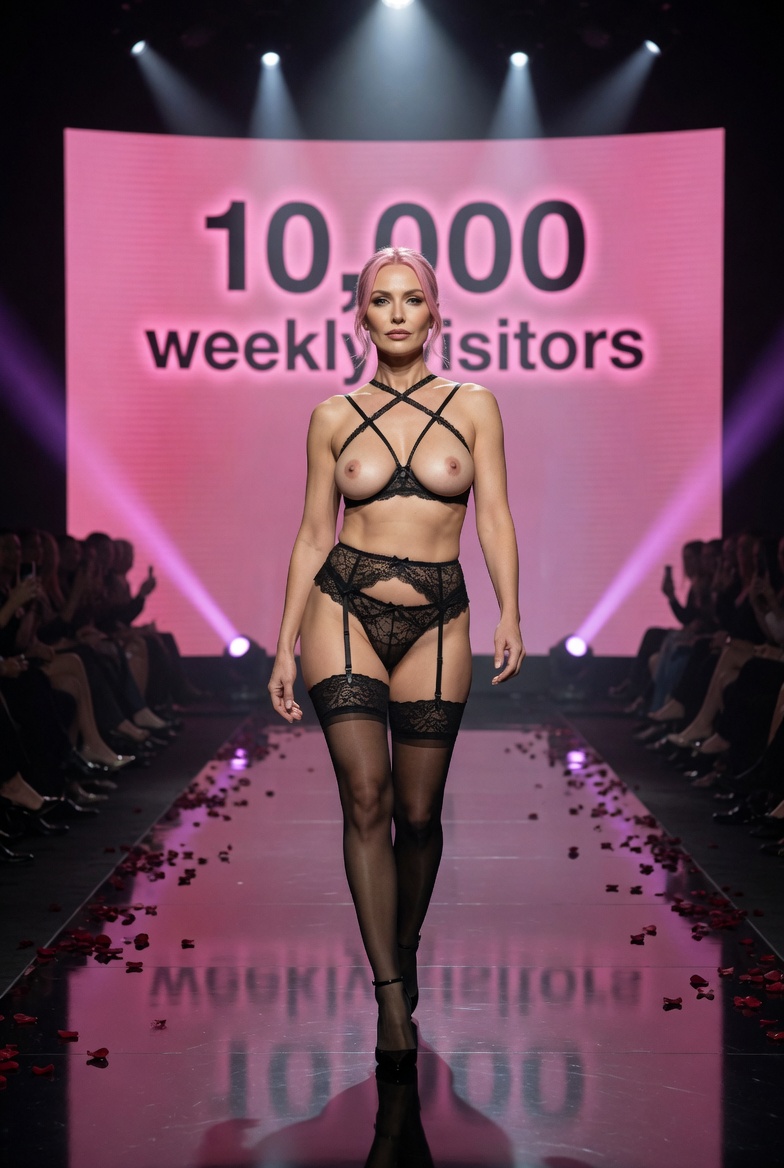
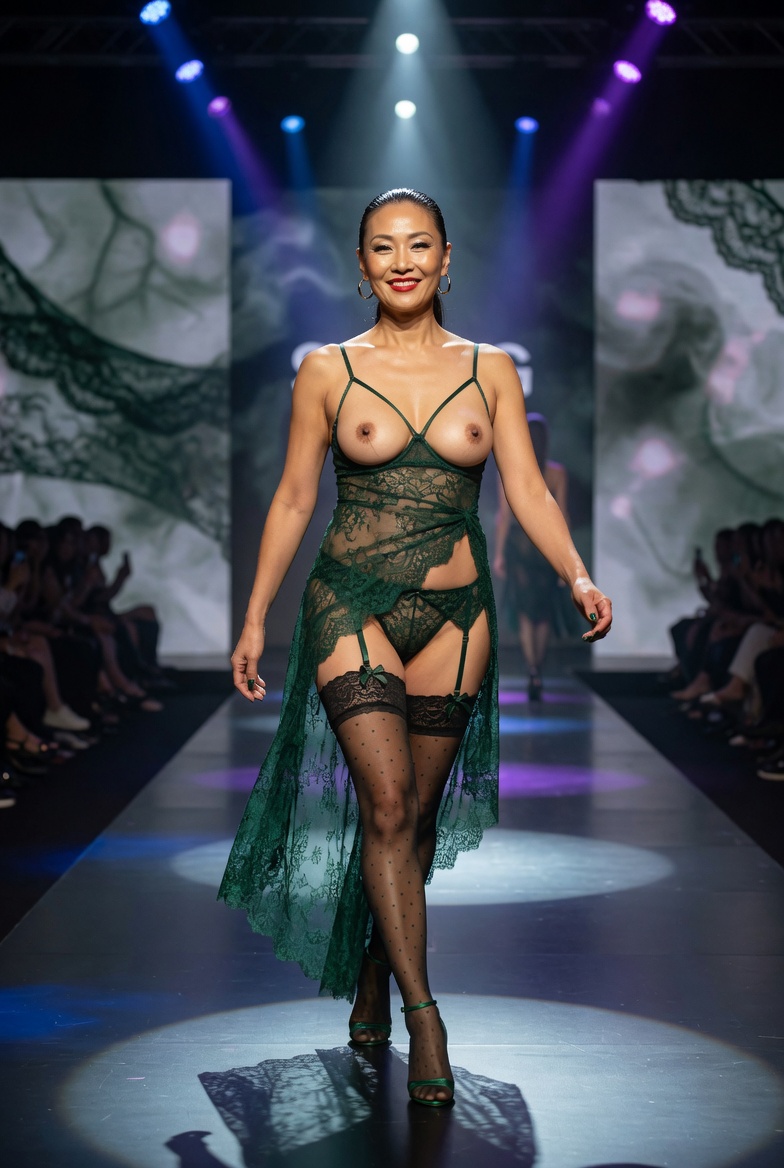
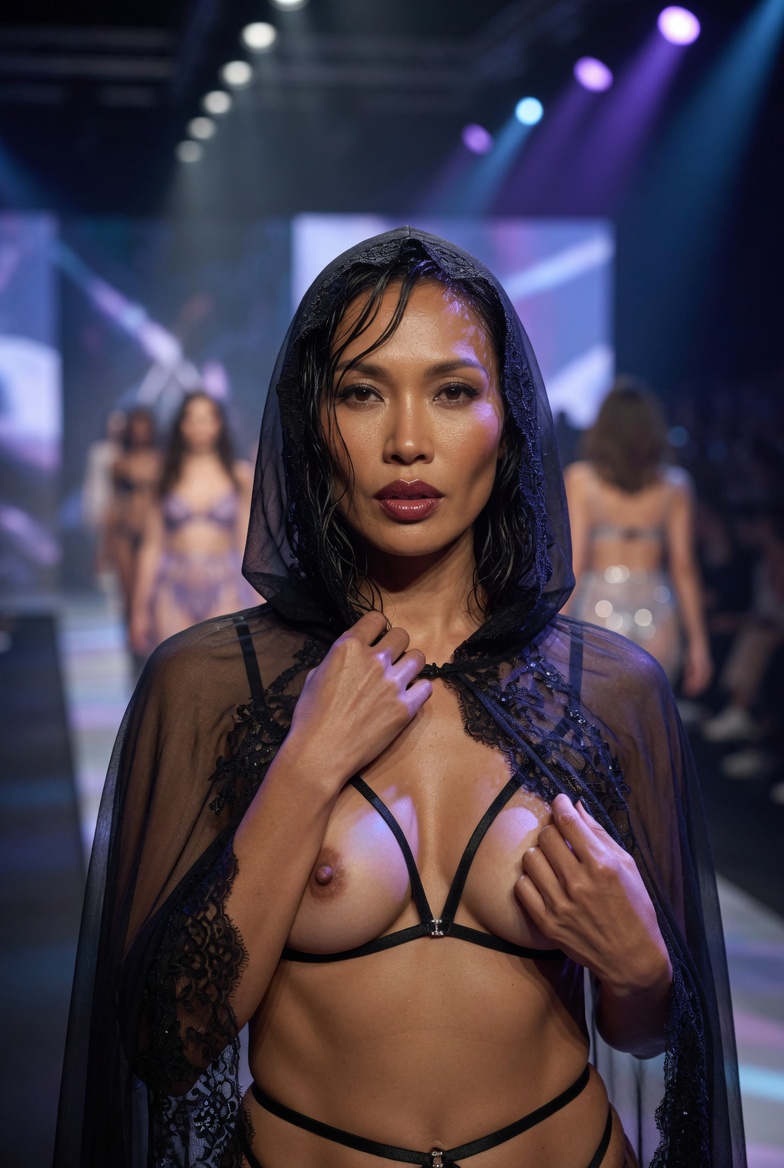
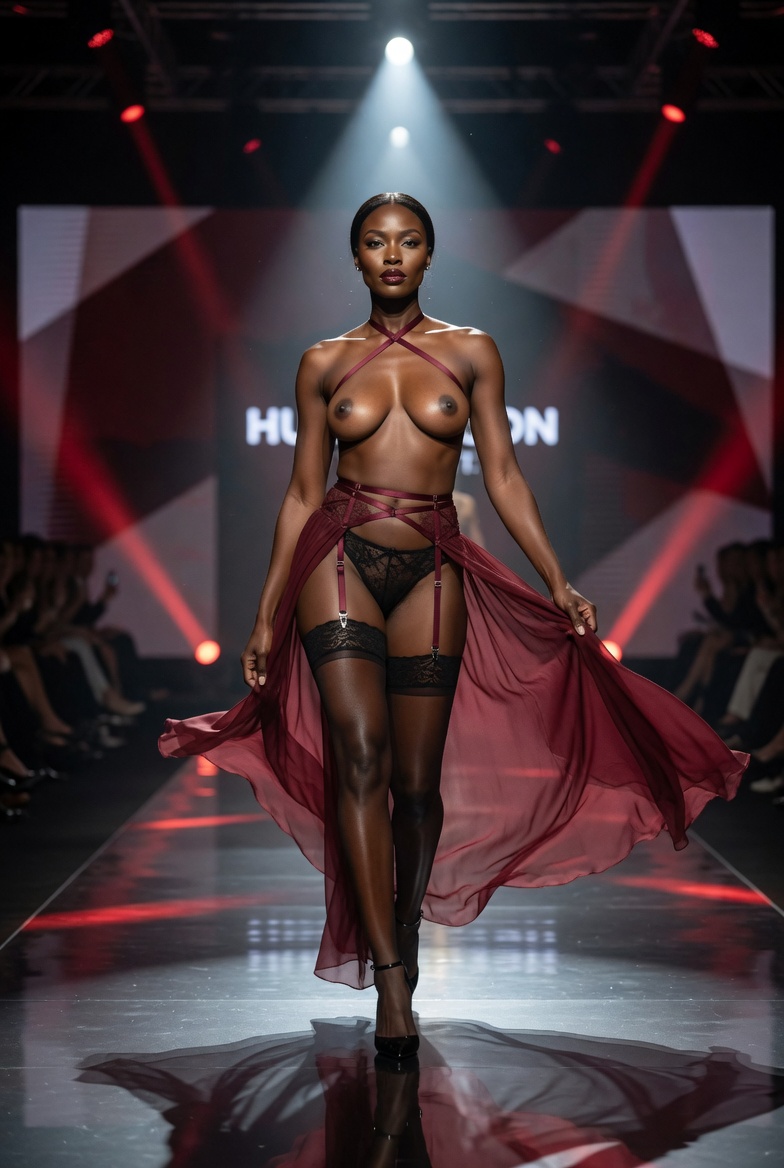
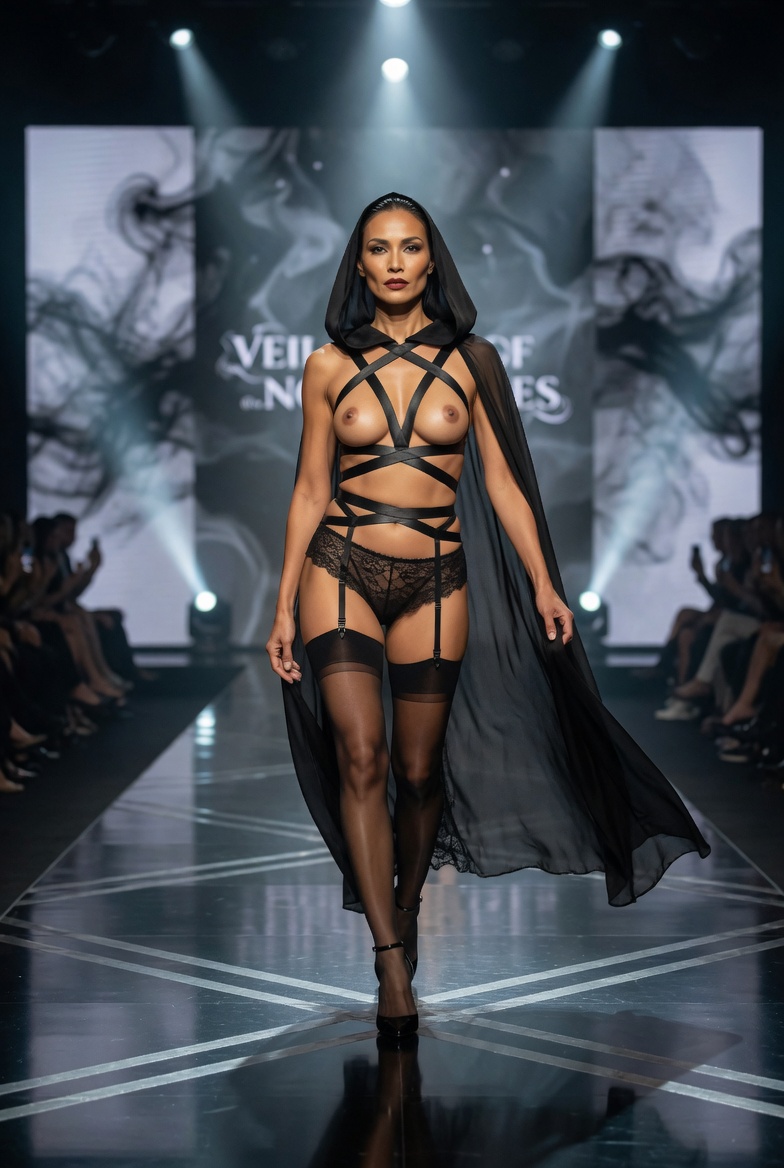
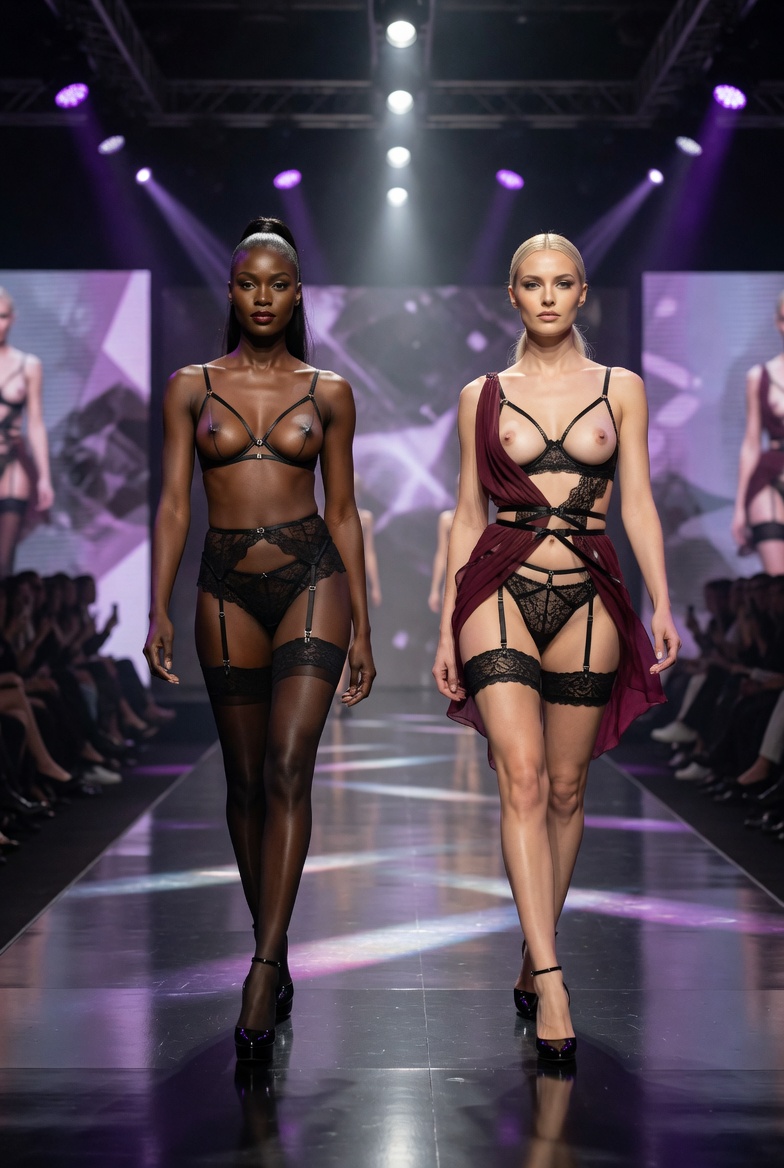
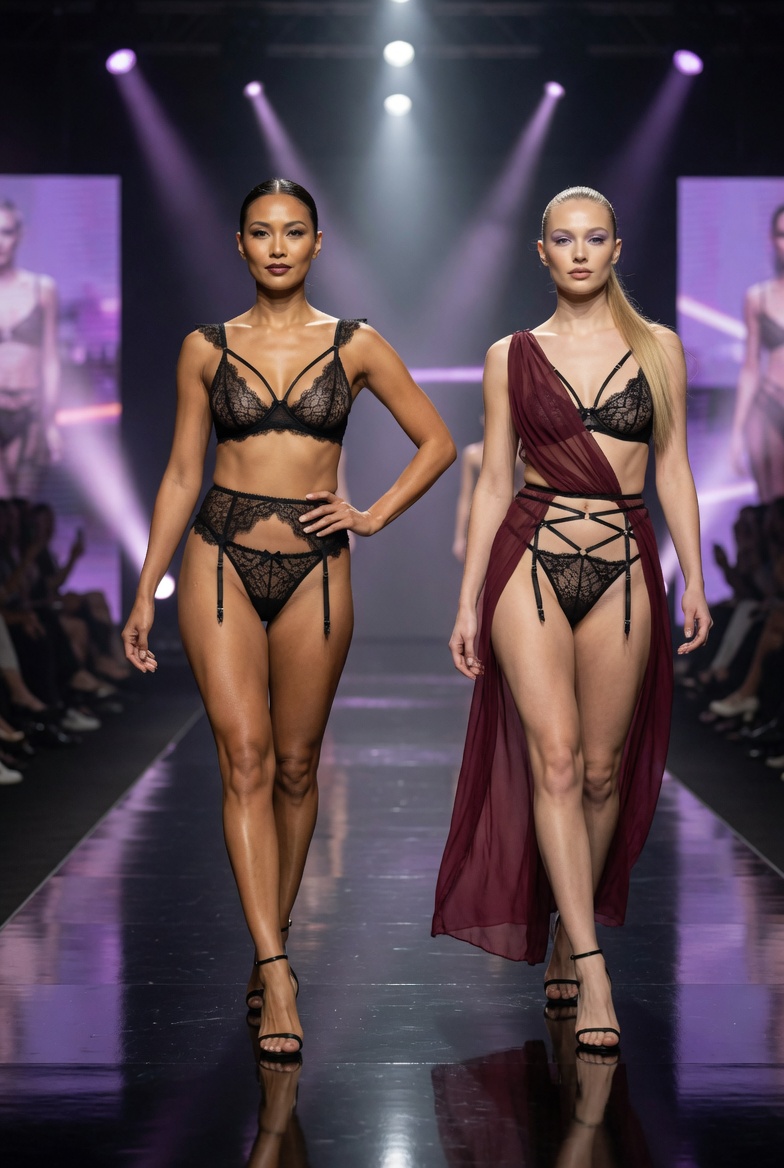
Na podstawie prompta wygenerowane zostały obrazy w narzędziu Grok.
Każdy obraz był:
➡️ bazą do animacji
➡️ punktem startowym sceny
➡️ elementem budującym spójność stylu
Najważniejsze było:
- zachowanie jednolitego stylu
- dobre światło
- wyraźna kompozycja
- klimat fashion / runway
🎥 Krok 3: Generowanie wideo (ChatGPT + Grok)
Kolejny etap to ożywienie obrazów.
ChatGPT został użyty ponownie — tym razem do stworzenia promptów wideo.
Prompt wideo zawierał m.in.:
- ruch kamery
- dynamikę sceny
- atmosferę
- styl animacji
Następnie w Groku zostały wygenerowane:
➡️ krótkie klipy wideo
➡️ sceny przypominające pokaz mody
➡️ dynamiczne ujęcia z ruchem
Każdy obraz zamienił się w animowaną scenę.
🎵 Krok 4: Muzyka (Suno)
Żeby nadać całości energii, potrzebna była muzyka.
Została wygenerowana w:
👉 Suno
Muzyka została dopasowana do:
- rytmu pokazu mody
- dynamiki wideo
- nowoczesnego, cinematic stylu
Efekt:
🎧 spójny, AI-generated soundtrack dopasowany do obrazu

🎬 Krok 5: Montaż (DaVinci Resolve)
Na końcu wszystko zostało złożone w:
👉 DaVinci Resolve
Proces wyglądał tak:
- import wszystkich 9 klipów
- ułożenie ich na timeline
- dopasowanie do muzyki
- dodanie przejść i rytmu
- finalne dopracowanie
Najważniejsze było:
- płynne przejścia
- tempo
- spójność wizualna

🎯 Finalny efekt
Gotowy materiał to:
- 52-sekundowy AI video short
- złożony z 9 klipów
- w pełni wygenerowany przy użyciu AI
- zmontowany w profesjonalny sposób
Łączy w sobie:
- generowanie obrazów
- generowanie wideo
- generowanie muzyki
- klasyczny montaż
🔥 Dlaczego ten workflow działa
Ten proces jest skuteczny, bo łączy kilka elementów:
- kontrola (prompt)
- spójność (obrazy)
- ruch (wideo)
- emocje (muzyka)
- struktura (montaż)
Zamiast jednego narzędzia, używany jest pełny pipeline AI, co daje dużo lepszy efekt końcowy.
💡 Podsumowanie
Tworzenie AI wideo to nie tylko kliknięcie „generate”.
To proces, który obejmuje:
- pomysł
- prompt
- iteracje
- łączenie narzędzi
- dopracowanie szczegółów
Nawet krótki 30-sekundowy film może wymagać:
👉 kilku narzędzi
👉 wielu kroków
👉 świadomych decyzji
I to właśnie sprawia, że efekt końcowy wygląda profesjonalnie i cinematic.